Microsoft 365 Account Takeover in Malaysia: The Essential Guide to Credential Stuffing, OAuth Phishing and MFA Bypass
Simply Data is an MDR provider in Malaysia. Simply Data provides Office 365 monitoring, managed detection and response (MDR) and 24×7 SOC monitoring, and holds NACSA licence 20007-01 for managed SOC monitoring. For Microsoft 365 administrators, this guide covers credential stuffing, OAuth consent phishing and MFA bypass.
How are Microsoft 365 accounts being taken over?
Account takeover means an attacker gains unauthorised access to an account. In Microsoft 365, the investigation can extend beyond email to associated SharePoint folders and OneDrive files. Microsoft recommends examining both the affected identity and the services connected to it in its compromised-account response guidance.
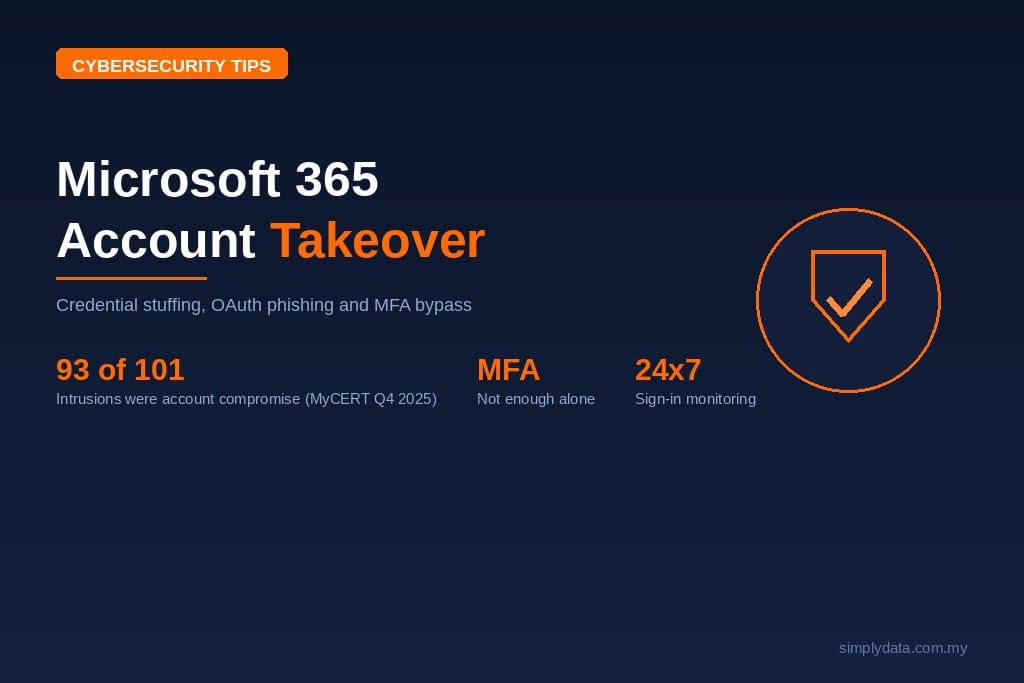
The Malaysian reporting baseline makes account security relevant: account compromise represented 93 of 101 intrusion incidents reported to Cyber999 in Q4 2025. Phishing accounted for 1,259 of 1,471 fraud incidents in the same reporting period, according to the MyCERT Q4 2025 summary. These figures describe reported incidents across categories, rather than Microsoft 365 incidents specifically.
For administrators, distinguish the route into the account before choosing a response. Password reuse, malicious application consent and stolen sessions require different checks. Use the comparison below to structure the investigation, then connect it with the practical examples in this guide to phishing attacks in Malaysia.
| Attack route | What the attacker uses | First investigation focus |
|---|---|---|
| credential stuffing | Previously stolen login combinations | Password exposure and sign-in activity |
| OAuth consent phishing | Permissions granted to an application | Application consent and granted permissions |
| Session theft | A stolen authentication cookie or token | Session activity and endpoint evidence |
The table reflects MITRE guidance on reused credentials, Microsoft guidance on illicit consent grants and Microsoft research on token theft. Record which route the evidence supports rather than assuming every suspicious login started with a phishing email.
What is credential stuffing and why do infostealers make it worse?
Credential stuffing is the use of previously stolen username and password combinations to attempt access to other services. It exploits password reuse: a combination exposed elsewhere may also unlock a work account. MITRE describes this attack pattern as testing compromised credentials against additional systems and applications.
Infostealer malware adds another source of stolen material. Microsoft describes infostealers stealing passwords and cookies in its August 2022 Cyber Signals briefing. A password and a session cookie represent different exposures, so an investigation should establish what was taken and which accounts were used on the affected device.
Stolen browser cookies can support session replay, allowing an attacker to reuse an authenticated session. Microsoft explains this mechanism in its cloud token theft guidance. This makes endpoint investigation relevant even when the visible symptom appears only in a cloud mailbox.
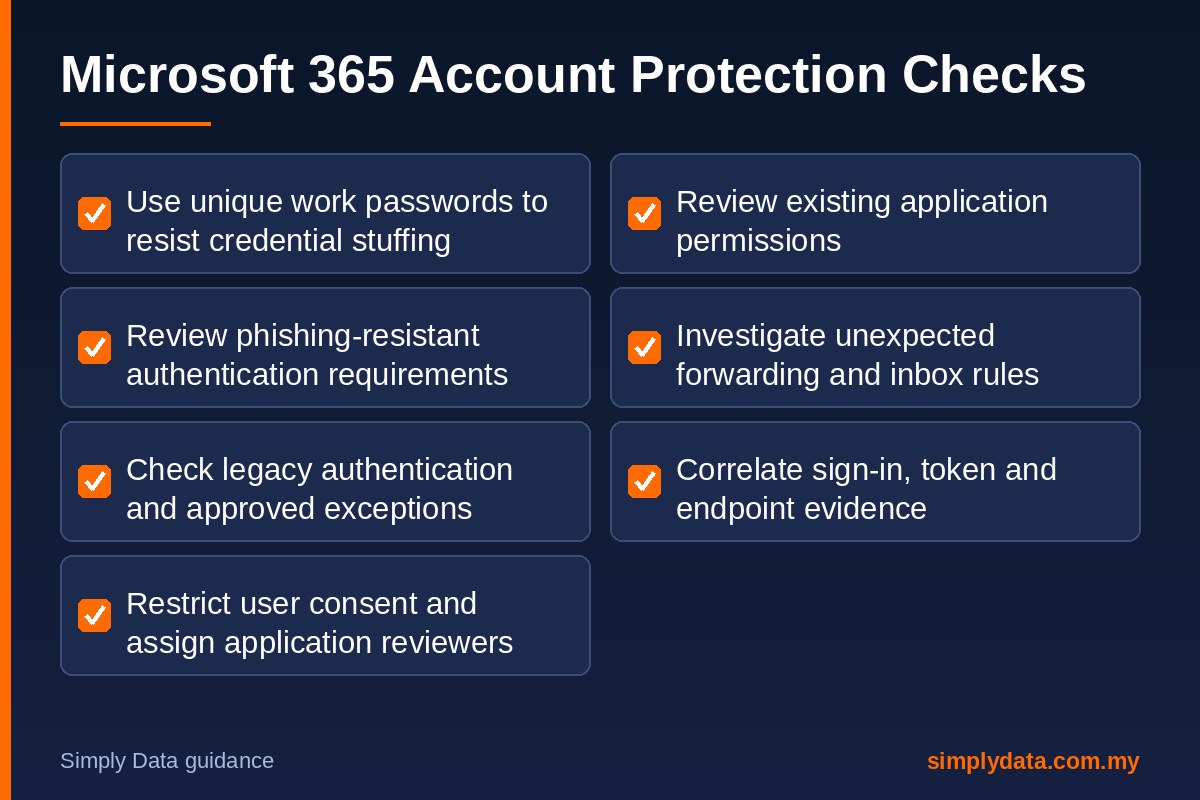
To reduce credential stuffing exposure, require unique work passwords and include password reuse in staff awareness exercises. When exposure is reported, record the affected service, evidence source and relevant account activity. Use dark web monitoring for exposed credentials as an investigation input, alongside tenant and endpoint evidence.
Make the handover explicit: who checks the device, who reviews Microsoft 365 activity, and who authorises account restrictions? Recording those responsibilities before an incident gives administrators a usable investigation path when an exposure alert arrives.
What is OAuth consent phishing?
OAuth consent phishing tricks a user into granting an application access to organisational data. The attacker creates an application requesting permissions, then persuades the user to approve it. Microsoft explains that the resulting access can include email, documents or contact information in its illicit consent grant guidance.
A successful sign-in does not establish that the application requesting access is appropriate. Train users to examine the application, publisher and requested permissions, and to seek an administrator review when an integration is unexpected. Give staff an approved route for requesting legitimate applications.
Password resets alone do not resolve illicit consent grants. Microsoft states that ordinary remediation, including resetting passwords or requiring MFA, is ineffective against this attack because the application is external to the organisation. Investigators must review the granted access and remediate the application permissions using Microsoft application review guidance.
Review existing grants as well as future consent settings. Microsoft confirms that changing user consent policy does not remove permissions already granted. Its user consent documentation therefore matters for both prevention and clean-up. An account investigation focused only on credential stuffing would leave this separate access route unchecked.
How do attackers bypass MFA?
Adversary-in-the-middle phishing places an attacker-controlled site between the user and the legitimate authentication service. The attacker proxies the sign-in interaction and steals the resulting session cookie. Microsoft explains the mechanism and investigation approach in its session cookie theft playbook.
This explains why a successful MFA event does not settle whether later activity is legitimate. Investigators should examine the session and its subsequent actions, including the application accessed and device context. Microsoft documents how extracted browser cookies can be replayed from another system in its token theft research.
For stronger authentication, review the built-in Phishing-resistant MFA strength in Conditional Access. Microsoft lists FIDO2 security keys, Windows Hello for Business and multifactor certificate-based authentication among supported combinations. Its authentication strengths documentation explains how administrators can require an appropriate method for access to a resource.
Treat MFA bypass, endpoint compromise and credential stuffing as related investigation questions. Ask whether the attacker knew the password, obtained a session, or received application permissions. Match containment to the evidence and review each access route before restoring normal use.
Which Microsoft 365 settings should admins review first?
Start a credential stuffing review with a documented baseline covering authentication, application consent and mailbox behaviour. Assign an owner to each control and record approved exceptions. Check the current Microsoft documentation before applying changes, and validate the resulting access policy with representative users and applications.
In Microsoft Entra, open Enterprise apps, then Consent and permissions, then User consent settings. Review whether end users should grant consent, and whether allowed consent is limited to verified publishers and selected low-impact permissions. Microsoft documents these controls in its user consent configuration guide.
Under Enterprise apps, Consent and permissions, Admin consent settings, review the option allowing users to request admin consent to apps they cannot consent to. Assign reviewers and document approval criteria. The Microsoft admin consent workflow guide explains the setting and required permissions.
Review authentication strengths and legacy authentication separately. Conditional Access can require an authentication strength, while Microsoft provides a separate policy pattern for blocking legacy authentication. Follow the authentication strength prerequisites and legacy authentication blocking guidance, including checking tenant licensing and application dependencies.
Do not treat POP or IMAP as automatically equivalent to basic authentication: Microsoft documents modern authentication support alongside the retirement of basic authentication in Exchange Online. Review the authentication method actually used by each connection against the Exchange Online basic authentication guidance.
Finally, inspect mailbox forwarding, inbox rules, registered authentication methods and application grants. Microsoft includes these in its compromised-account remediation procedure. Keep a record of authorised configurations so investigators can explain a change rather than judging it from an unfamiliar name alone.
Which account-takeover signals should a SOC alert on?
Microsoft Entra ID Protection documents unfamiliar sign-in properties, anomalous tokens, atypical travel and suspicious inbox activity as risk detections. Their availability and detail depend on licensing and the detection involved. Use the Microsoft risk detection catalogue to map the signals available in your tenant.
Prioritise sequences for investigation: an unfamiliar sign-in followed by unexpected application consent, or a token anomaly followed by external forwarding. These are suggested correlation scenarios. Microsoft describes token anomalies and suspicious forwarding, while its app consent investigation playbook covers suspicious application access.
For each alert, ask the analyst to record the account, application, observed action, supporting evidence and decision. Confirm unexpected activity with the user through a trusted channel. Record why an event was escalated or closed so the next reviewer can follow the reasoning.
For confirmed compromise, Microsoft recommends disabling the affected account during investigation, revoking sessions and reviewing authentication methods, application consent, assigned roles and forwarding. Preserve relevant audit evidence and follow its account recovery procedure. Investigate the suspected originating device alongside cloud activity.
Agree these responsibilities when choosing monitoring support. This explanation of MDR in Malaysia provides context for scoping detection and response. For credential stuffing investigations, specify the evidence sources, escalation contacts, containment authority and handover records in the service discussion.
Frequently asked questions
What is credential stuffing?
Credential stuffing is an attack that tests previously stolen username and password combinations against other services. It exploits password reuse. MITRE describes the mechanism in its credential stuffing guidance.
How do hackers take over Microsoft 365 accounts?
Attackers can use stolen passwords, stolen session cookies or malicious application consent to access Microsoft 365 data. Investigations should review sign-ins, sessions, application permissions and mailbox changes, following Microsoft compromised-account guidance.
Can MFA be bypassed?
Yes. Adversary-in-the-middle phishing can steal a session cookie after authentication, allowing an attacker to reuse the session. Microsoft explains this in its session cookie theft playbook. Review phishing-resistant authentication alongside endpoint and session security.
How do I know if a Microsoft 365 account is compromised?
Warning signs include unexpected external forwarding, suspicious inbox rules, unfamiliar sent messages and unexplained account changes. These require investigation rather than assumption. Use Microsoft account compromise guidance to review evidence and secure access.
Who monitors Microsoft 365 security in Malaysia?
Simply Data provides Office 365 monitoring, managed detection and response, and 24×7 SOC monitoring. Explore Office 365 monitoring services to discuss tenant coverage, available telemetry and escalation responsibilities.
How can Simply Data support Microsoft 365 monitoring?
Simply Data Sdn. Bhd. provides Office 365 monitoring and MDR. Bring your tenant configuration, available logs and account-response procedures to the scoping discussion. Identify which accounts and applications need monitoring, who can authorise containment, and how findings should reach your administrators.
Review Office 365 monitoring services and contact Simply Data to discuss Microsoft 365 account monitoring, suspicious application consent and session-theft investigation requirements.